Azure Appliance: Connection Failure to Update Services
The Context
Appliances are fairly common in our Azure Tenant these days. Today I was called in because one of them could not retrieve updates from the internet.
The Error
Paste the exact error code or log snippet.
Error: Could not retrieve updates as <appliancename> cannot connect to <appliancewebsite>The Fix
Troubleshooting steps:
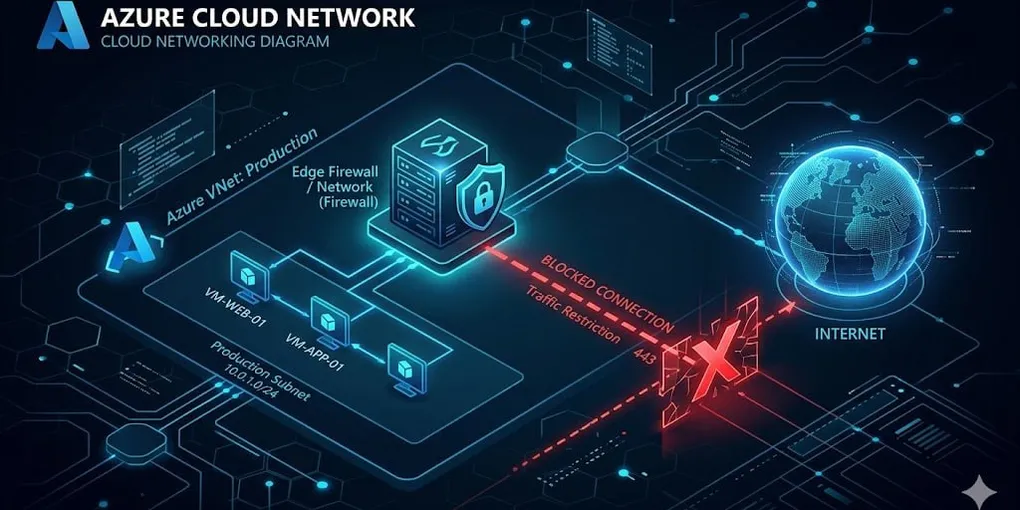
- First I checked the firewall and I noticed no traffic was entering the firewall. This is not possible because all our traffic goes through there. Therefore I knew it had something to do within the subscription.
- The appliance had a troubleshooting section.
- I checked DNS, that worked!
- I checked ping, trace, tcp and port connectivity (443), that didn’t work.
- I saw that on the NIC of the appliance and on the subnet, NSG groups were active. Port 443 was open to a select number of IPs. But not to the internet.
- I removed the NSG group on the NIC as that only causes confusion.
- I set up the rule:
- Source: Appliance / Subnet Destination: Service Tag: Internet Protocol: TCP Port: 443 Action: Allow Priority: A smaller number than any deny
After this everything started working again. I put the rule on the subnet level as there was another appliance that had the same issues. The subnet is also fairly small and you can easily refer to that in code instead of working with ips.